Lumin Leads eSignature Adoption Among Cuyahoga Real Estate Agents
79% of agents use eSign tools, but friction for buyers often stems from account requirements.
By Daniel Parker ·
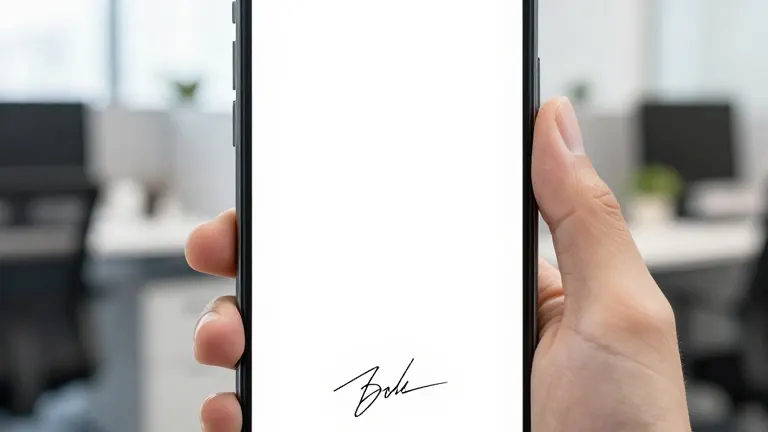
Real estate transactions in Cuyahoga County often stall when a buyer is at a showing and a seller is at an airport, with an offer expiring in hours. The lack of a printer is rarely the issue. The friction comes from digital barriers. Most modern tools allow users to sign PDF documents on a phone without an account. However, the sender must have a login. Signers simply open an emailed link in a browser.
The National Association of Realtors 2025 Technology Survey, reported by HousingWire, shows that 79% of Realtors use eSignature technology. The survey data indicates that the technology is the standard in the industry. Yet, the user experience for the buyer or seller remains the weak point. Many clients are asked to register, verify an email address, and download a new application before they can sign a two-page addendum.
Six major platforms currently allow recipients to sign from a mobile browser without creating a profile. Lumin allows signers to use an emailed link and provides senders with five free documents per month. DocuSign is the default for high-volume teams and does not require a signer account by default. Adobe Acrobat Sign requires a paid plan for senders, but signers do not need an Adobe ID. Dropbox Sign offers three free signature requests monthly. SignNow provides a free trial for senders. Smallpdf allows quick self-signing in a browser without registration.
The cost structure for the sender varies significantly across these tools. Lumin paid plans start at approximately $9 per month. Dropbox Sign limits free users to three requests, which is often insufficient for an active agent. Lumin free plans allow up to five documents per workspace per month. Users should verify current limits on vendor pricing pages, as features change frequently. The primary distinction lies in what the signer sees. If a client hits a sign-up screen, the setting must be changed or a different tool selected.
Agents should test the signer path on a phone before sending a contract. They should send a test document to themselves and open it on a device with no app installed. If a sign-up screen appears, the configuration is incorrect. For larger transactions, agents should consider identity verification options that confirm the signer's identity against a digital credential. This provides more assurance than simple email access.
Electronic signatures are legally binding in the United States under the ESIGN Act and UETA. Some documents, such as deeds or notarized forms, may still require wet signatures or remote online notarization depending on state rules. Agents should confirm specific requirements with a qualified attorney or broker compliance team. The goal is to ensure the client never sees a login prompt during the transaction.
Source: Fort Worth Weekly
More Business · Consumer Alerts · Report a business · Got a Story?